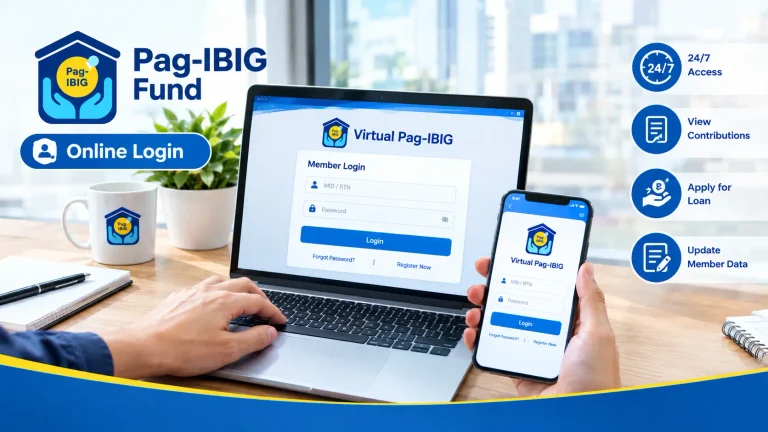
Pag-IBIG Online Appointment: How to Schedule, Book, and What to Expect
You want to apply for a housing loan but do not want to spend hours waiting in line. You need to update your information but work full-time. You want to know if you can book an appointment at Pag-IBIG instead of showing up randomly. You are unsure if appointments are even available or if you must walk in.

This guide answers your questions about Pag-IBIG appointments — whether you need one, how to book online, what services are available by appointment, and what to expect.
Do You Need a Pag-IBIG Appointment?
Walk-in options exist. Many Pag-IBIG branch transactions use a walk-in and queue process, but requirements can vary by service and location. Confirm with the branch before visiting.
Appointment availability varies. Whether an appointment is available or required depends on the service and the Pag-IBIG office handling it.
Some services may have appointment options. If your matter is complicated (complex loan application, account resolution), check with the branch about available scheduling options.
How to Book a Pag-IBIG Appointment Online
Check service-specific instructions
Some Pag-IBIG services may provide an online scheduling option. Use only the appointment link or instructions provided by Pag-IBIG for your specific transaction.
Contact the branch
Ask whether the branch accepts appointments for your transaction and what booking method you should use.
Confirm appointment details
If an appointment is issued, follow the confirmation or instructions provided by the booking channel.
What Services Can You Book by Appointment?
Loan applications. Housing loan, multi-purpose loan, or other Pag-IBIG programs. The branch can advise on document requirements and procedures.
Account registration. Membership registration may have specific branch or online procedures. Confirm the current process before visiting.
Member record or information updates. Updates where branch processing is required, subject to current Pag-IBIG procedures.
Contribution inquiries. Contribution inquiries and available membership records.
MP2 enrollment. Enrollment in Pag-IBIG’s voluntary savings program, subject to applicability.
Document or record requests. Document or record requests, subject to the applicable Pag-IBIG process.
Account issue resolution. If you have discrepancies or questions about your account, contact the branch to discuss options.
Employer services. Employer-related Pag-IBIG services and assistance for authorized company representatives.
Confirm availability. Before visiting, confirm with the specific Pag-IBIG office whether your transaction can be handled by appointment.
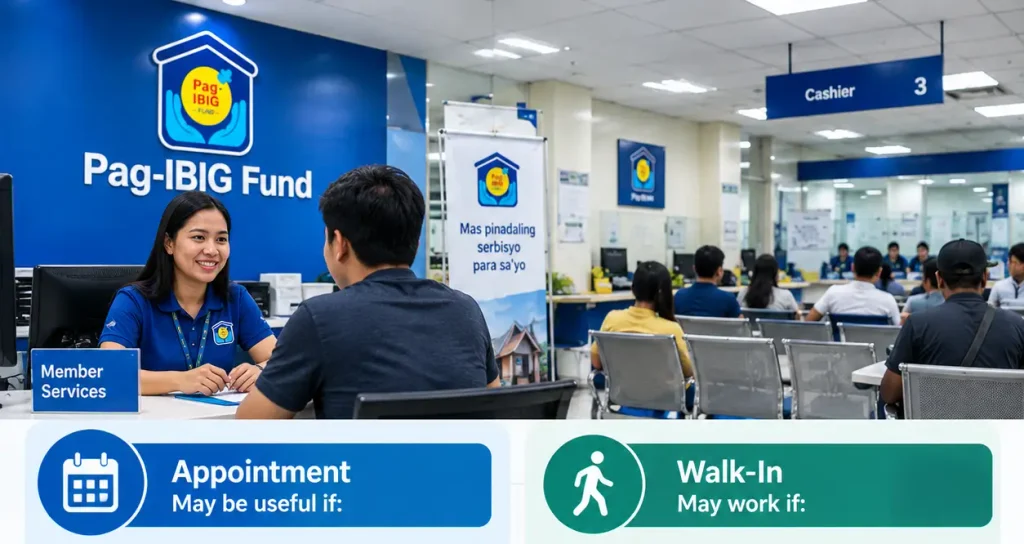
Appointment vs. Walk-In: Which Should You Choose?
An appointment may be useful if:
Walk-in may work if:
Confirm your options:
Ask your Pag-IBIG office whether appointments are available for your specific transaction and what booking methods are supported.
How Long Does Your Visit Take?
Time varies by transaction
The time required depends on the service, queue volume, documents, and whether additional processing is needed.
Plan accordingly
Avoid scheduling tightly after your appointment. Allow flexibility in case your transaction takes longer than expected.
Ask when you book
If you schedule an appointment, ask the office for an estimate of how long your specific transaction typically takes. Planning to schedule a Pag-IBIG appointment? Check out our Pag-IBIG Portal.
What to Bring to Your Appointment
For any appointment:
- Valid government-issued ID (national ID, driver’s license, passport, or official ID)
- Pag-IBIG membership card (if you have one)
- Your MID number (if you know it)
For loan applications:
- Government ID
- Proof of income (payslips, tax returns, or self-employment documents)
- Proof of address
- Employment letter (if applicable)
- Any loan-specific documents
For account updates:
- Government ID
- Member’s Change of Information Form (MCIF) or relevant update form
- Proof of new information (new address, new employment letter, etc.)
For MP2 enrollment:
- Government ID
- MID number
General rule: When you book, ask what documents to bring for your specific transaction. Bring extra copies just in case.
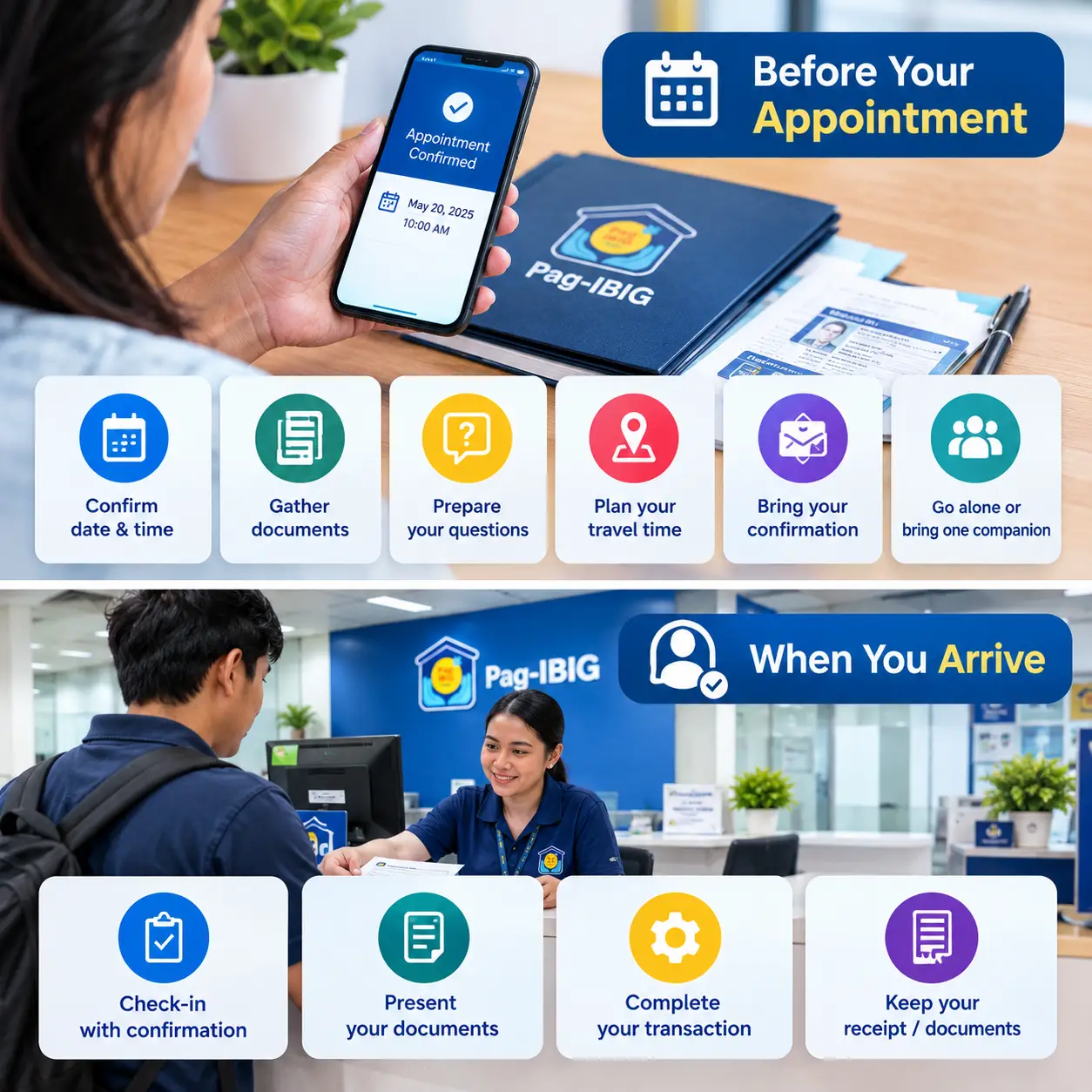
How to Prepare for Your Appointment
Confirm the date and time. Review your confirmation details. If you cannot make it, contact the branch to reschedule.
Gather your documents. Have everything ready before you go. Missing documents can cause delays or require a return visit.
Know your questions. If you need to discuss something specific, prepare your questions in advance. This keeps your appointment focused.
Plan for travel time. Know how long it takes to reach the branch and arrive with time to spare. Traffic or difficulty finding the location can make you late.
Bring the confirmation. Have your appointment confirmation (email, SMS, or printed) when you visit. Show it to staff when you arrive.
Go alone or bring one companion. Traveling with multiple people may not be feasible in the branch. If you need someone to assist you, confirm beforehand that you can bring them.
When You Arrive at Your Appointment
Follow the branch’s check-in procedure. Present your appointment confirmation or booking details. Follow the queue or check-in instructions provided by the branch.
Present your documents. Provide the documents required for your transaction and follow the staff’s instructions.
Complete your transaction. Staff will process your request according to the applicable procedure. Ask about any next steps or follow-up required.
Keep documentation. Keep any receipt, confirmation letter, or documentation provided.
Common Appointment Issues and Solutions
I booked an appointment but staff says it is not showing
If the appointment cannot be verified, ask the branch whether your transaction can still be accommodated that day or whether you need to reschedule.
I cannot make my appointment
Call the branch as soon as possible to cancel or reschedule. Canceling prevents wasting a staff member’s reserved time slot.
I arrived on time but am still waiting
Branches handle walk-ins in addition to appointments. Your wait depends on backlog and transaction complexity. Ask staff for an estimated wait time.
The staff member is not available when I arrive
Occasionally, staff may be busy with another client or unavailable. Ask if another staff member can help or if you can wait for your assigned person.
My appointment took much longer than expected
Complex issues can extend time. If significantly over, ask if they need to schedule a follow-up appointment to complete your matter.
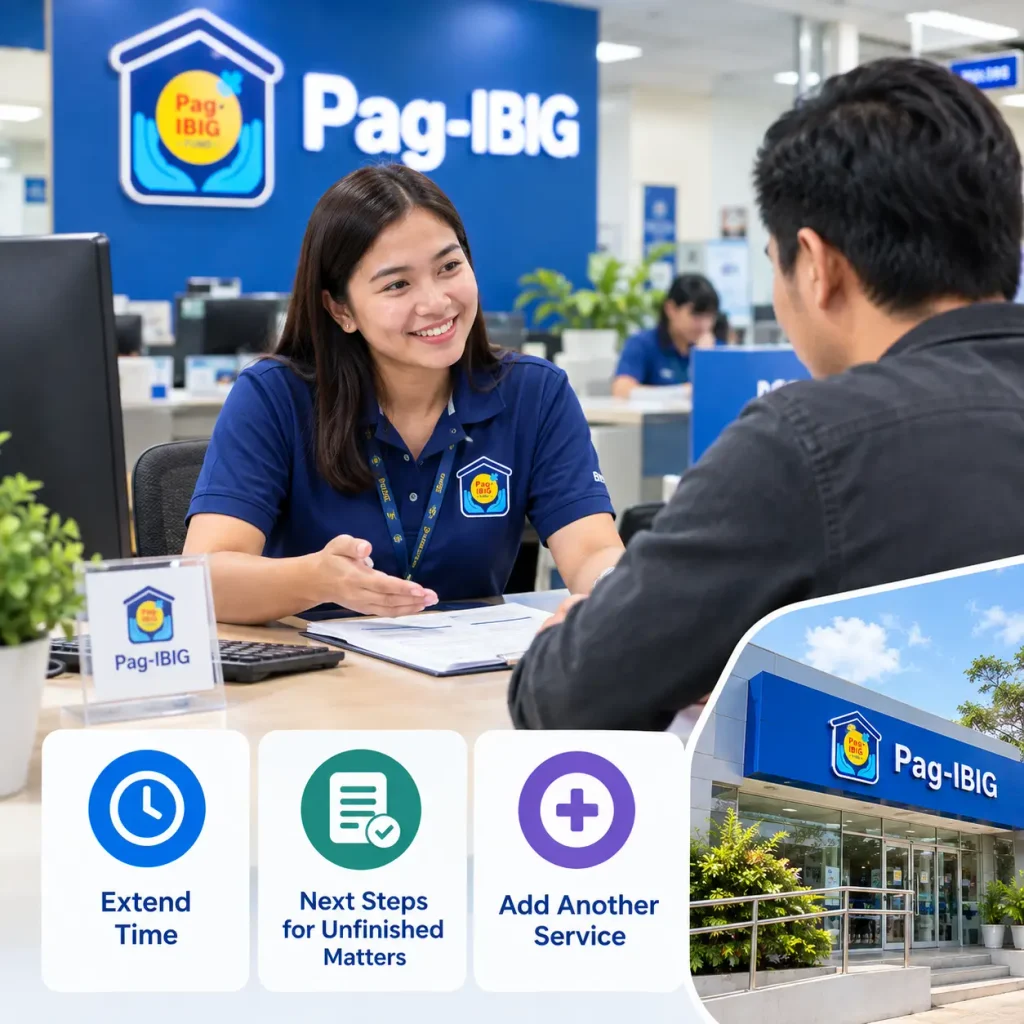
Can You Extend Your Appointment If Needed?
During your appointment
If your transaction is taking longer and you need more time, tell the staff member. They may extend your time or schedule a follow-up appointment.
For unfinished matters
If your issue cannot be completed in one visit (loan processing, investigation, etc.), staff will tell you the next steps and when to follow up.
For additional services
If you realize you need another service while you are there, ask if it can be added to your current appointment or if you need to come back.
Confirming Your Specific Office
Availability varies by service and office. Before traveling to a Pag-IBIG office, confirm with that specific branch whether your transaction requires or accepts appointments and which booking method to use.
Frequently Asked Questions
Conclusion
Appointment availability depends on the transaction and office. Whether you need to schedule a visit or can walk in depends on the specific Pag-IBIG office and service. Always confirm with your office before visiting whether an appointment is required or available.
Come prepared with your documents and be clear about what you need. Branch staff will help process your transaction according to the applicable procedures.